refreshes in20 s
A QR that can’t be shared
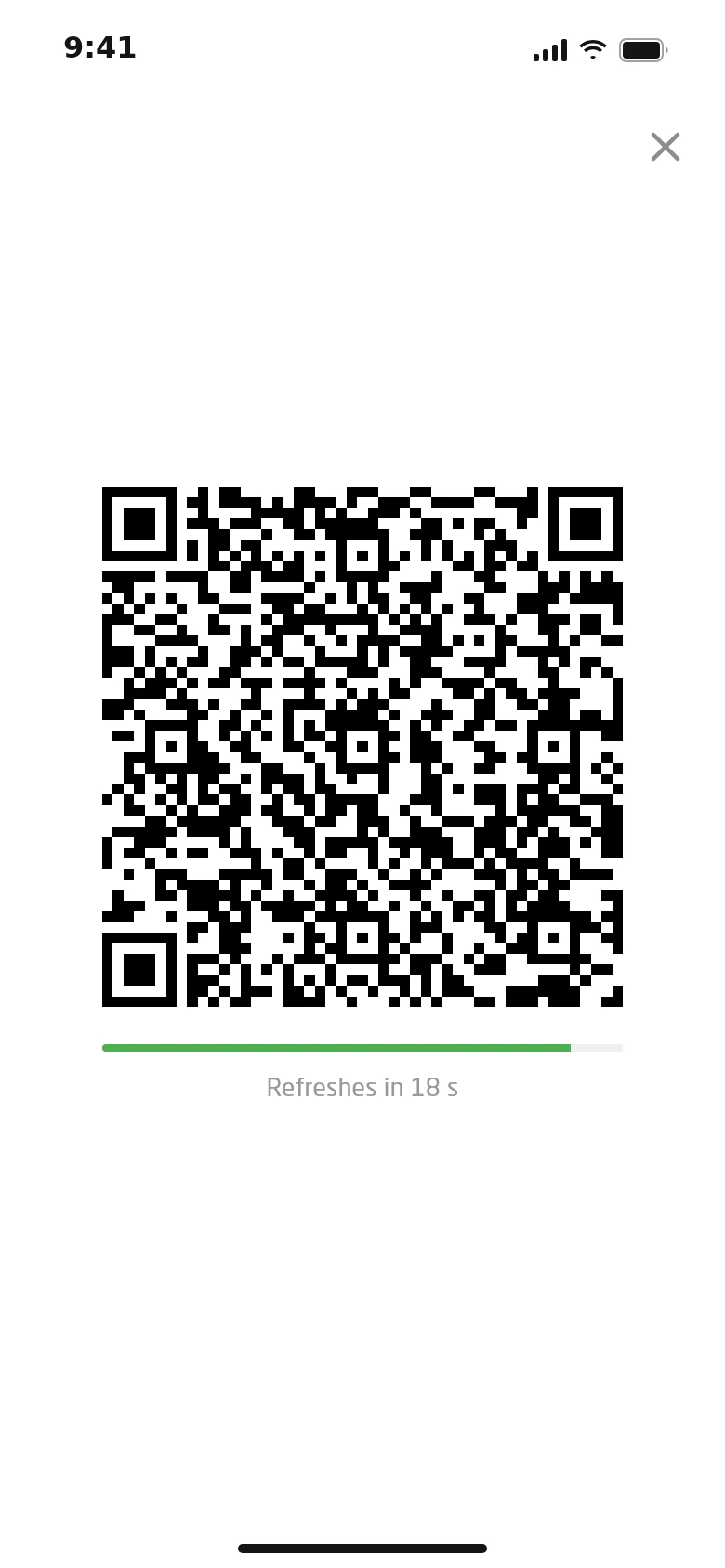
The code in the app refreshes every 20 seconds — a screenshot sent to a friend won’t work.
Turnstiles, face recognition terminals, in-app QR and key cabinets talk to the CRM directly. Members enter and take keys on their own; with a debt, a freeze or outside their hours the turnstile stays shut and says why. Exceptions are made by people — and every one is logged.
Core Included in every plan

Entry in a second
The terminal recognises the member by face or QR, and the cloud checks membership, payment, club, hours and key in a fraction of a second. If something is off, the member sees why — and the online admin sees the same denial on the console.
1Recognition Face QR
October payment failed — 15 000 ₸
Pay2S89Core clouddecides on live data
3Entrance 1
Entry feedlive
Online admin console
All entries normal
Denied at entrance
Daniyar K. · QR · Entrance 1
October not paid · autopay
Pay button shown to the member
Debt paid in the app — entered on his own
Around the entry
The code in the app refreshes every 20 seconds — a screenshot sent to a friend won’t work.
Done once via a link on the phone: photos and screen videos fail, and the same face on another account is flagged as a duplicate.
Locker 214 is yours
23:50 · 3 keys released
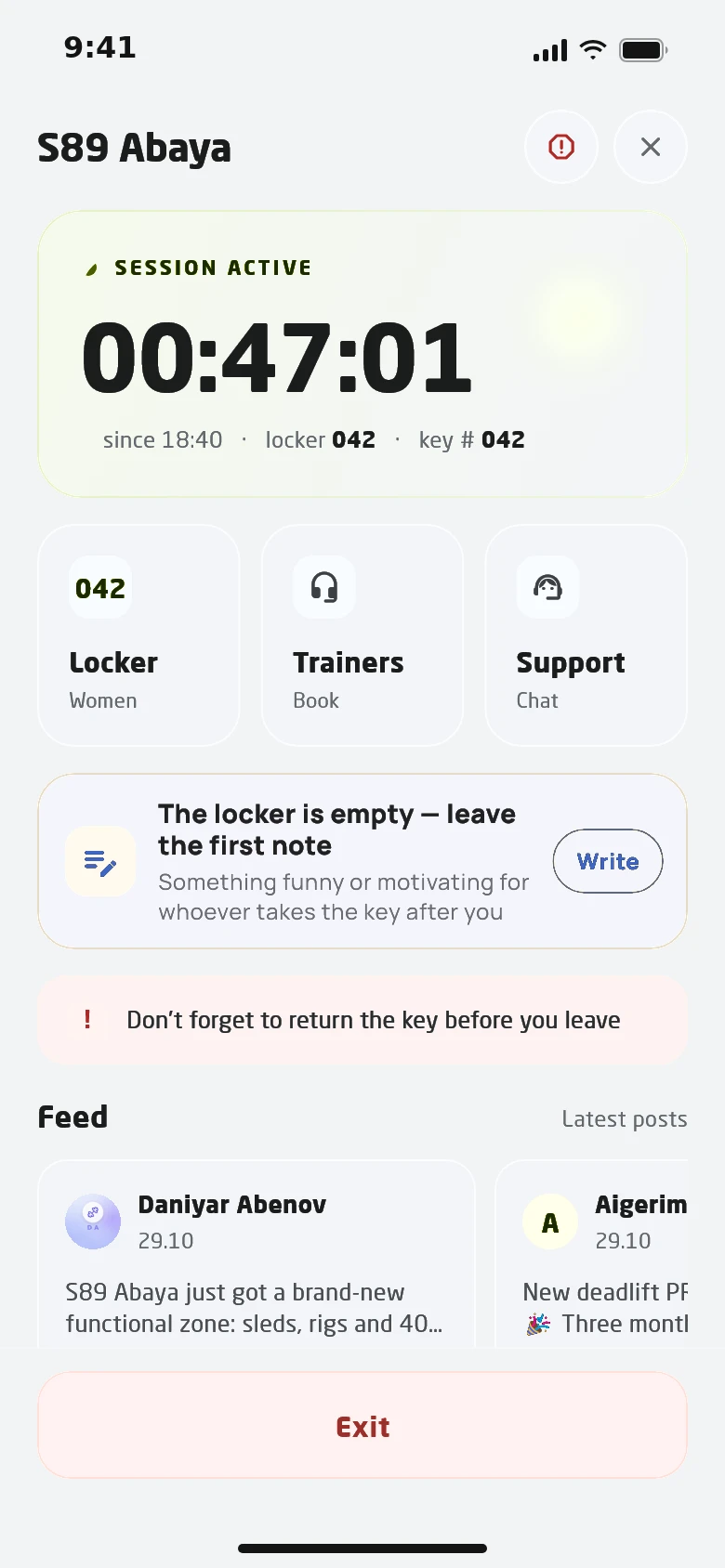
The member picks a free locker and the key is assigned to them. Keys not returned are released automatically at night.
A member invites a friend by phone number. The guest enters with their own code until the deadline, and the visit counts against the inviter.
Entries are chained — any edit shows
A dead phone, or a kid from a class without a smartphone — the online admin opens the gate from the console, a trainer does it for their own class. Who let whom in on which membership stays in a log that can’t be edited after the fact.
A trainer enters with their own app as long as their club rent is paid. Once the period ends, entry is closed until payment.
Bought a membership in advance — it starts by itself when the member shows up, as long as they have no other active one.
While idle it shows the club’s promo images; on a denial — the reason and what to do next.
A live count and list of people in each club — from actual entries, not guesswork.
Children in a class get through the turnstile only during their class window, not all day.
Blacklist and blocks with a reason from a list. The online admin sees the reason, not just “access denied”.
Denials for members with an active membership are shown apart — a reason to look for a fault, not a lost lead.
Staff get a message when a flagged member takes or returns a locker key.
Ways in
Every way in goes through one access rule, so the outcome never depends on how the member arrived. The decision is made in the cloud on live data, so the club needs a stable internet connection.
Club today
Entries, denials, keys in hand and guests for every club come together in one picture of the day. The online admin sees it on the console and steps in only where the rule couldn’t cope.

Exceptions
When a member has to be let in outside the rules, the online admin sees them on camera and opens the gate remotely. Every such opening is logged with the author, the member and the membership.

Autonomous club
Scans the key cabinet QR and takes the key to locker 214.
Lets them in by face: valid membership, morning hours, key in hand.
Stops a member with a missed payment and shows a pay button in the app.
Pays the debt from the phone and gets in on the second try.
Hands out keys and opens the turnstile for five kids without phones.
Releases unreturned keys so lockers are free in the morning.
We work with your existing turnstiles via terminals, relays or the Club agent.
We check the turnstiles, face terminals, scanners and key cabinets already in the club.
We bind gates and terminals to the club and set the entry and key cabinet QR codes.
Access hours, membership clubs, the “key first” rule, guests and trials.
Members complete the face check via a link; everyone else uses QR from day one.
Face recognition terminals, QR scanners and turnstiles driven by a relay or terminal. We check your specific model before launch.
No. The cloud makes every entry decision on live data, and with no answer the terminal stays shut. A stable internet connection in the club is required.
No. A face is enrolled only after a liveness check that tells a real person from a photo or a screen replay.
The specific reason: no valid membership, a debt, a freeze, wrong hours, wrong club or no key taken. A debt can be paid in the app right away.
A member invites a guest by phone number, and the guest enters with their own code until the invitation expires. The visit is recorded against the host.
In 30 minutes we walk through the member journey from buying a membership to entering the club, and quote a price for your club.